Starting an e-commerce store with print on demand is an exciting venture. However, the quality of your physical products depends heavily on the preparation of your digital files. If your design files are blurry or saved in the wrong format, your customers will receive subpar products, leading to returns and negative reviews. This guide will walk you through the essential file formats, sizes, and best practices to ensure your prints look crisp and professional every time.
Choosing the Right File Formats
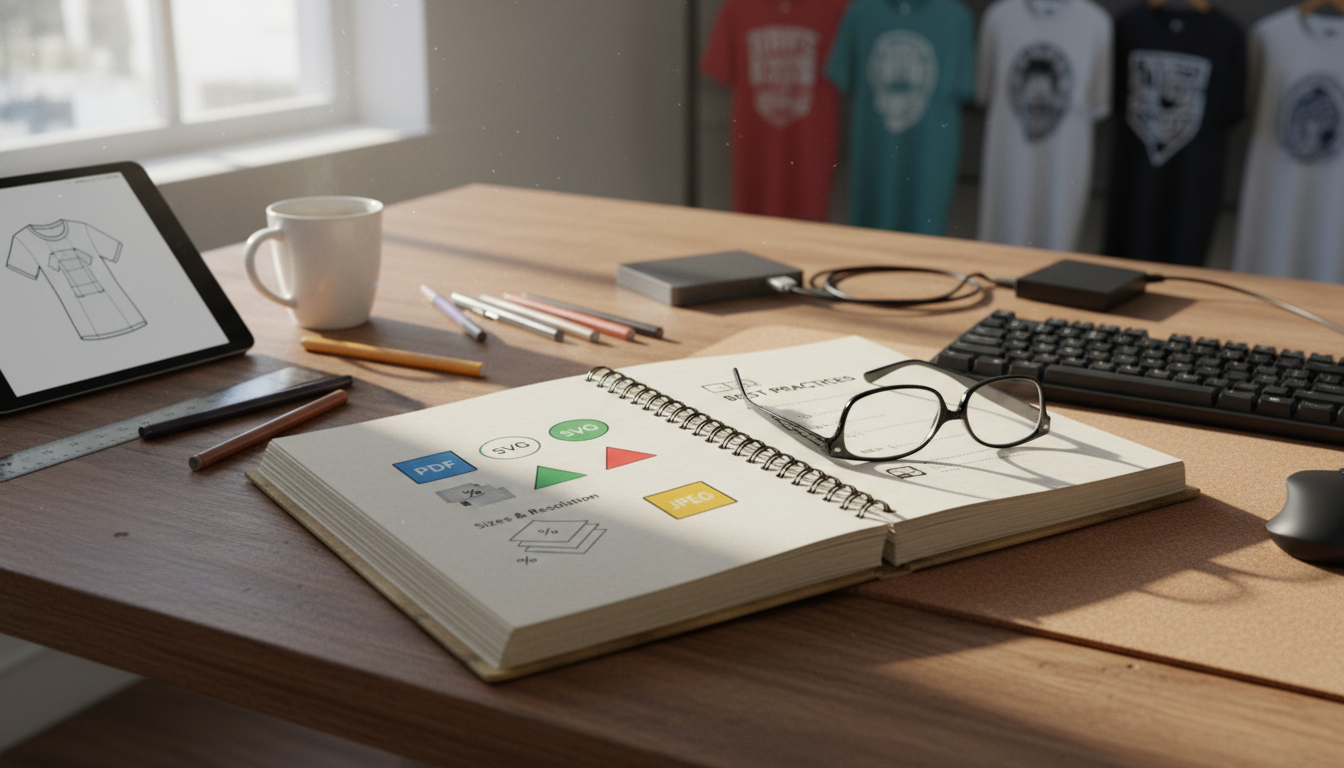
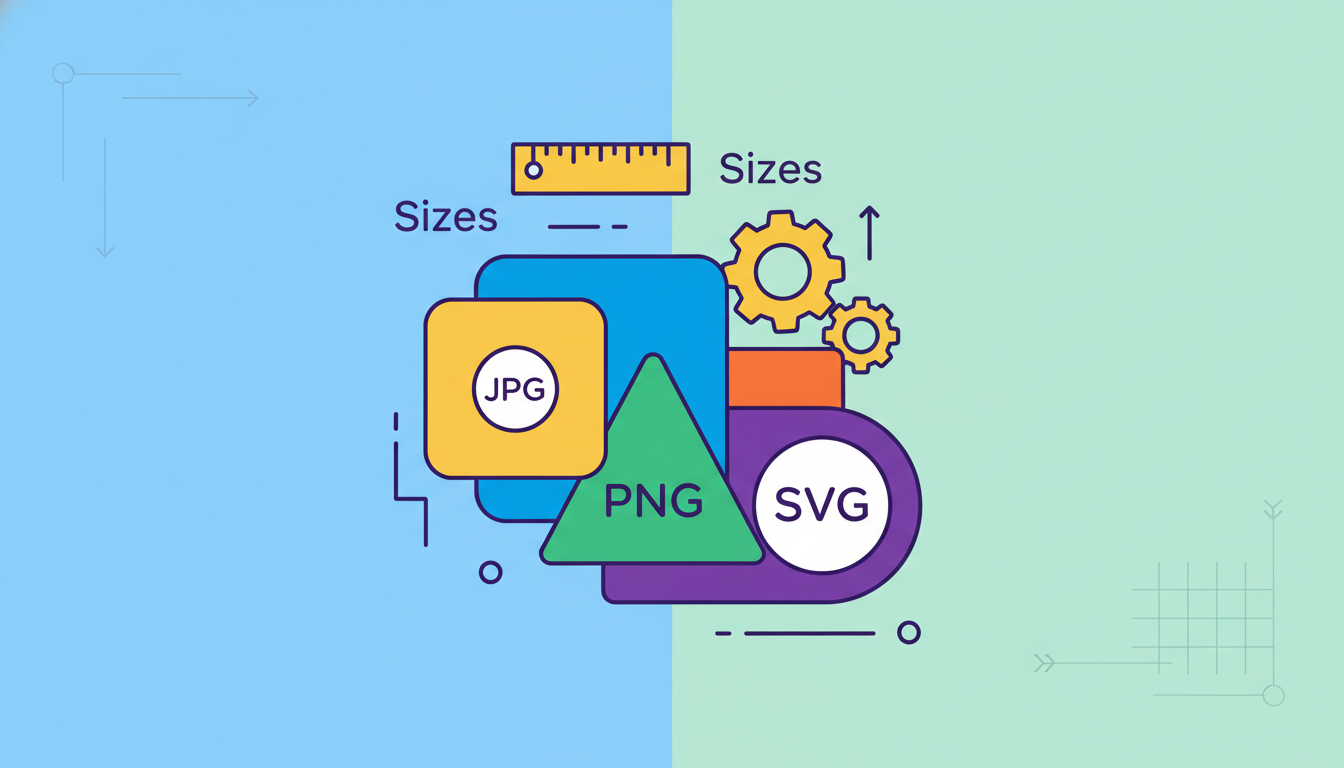
When preparing artwork for print on demand, selecting the correct file extension is crucial. The industry standards are PNG and PSD, but understanding the difference between raster graphics and vector graphics is essential for scaling.
- PNG (Portable Network Graphics): This is the preferred format for most print on demand platforms. PNG files support transparency, which is vital for apparel designs so that the background color of the shirt does not print as a solid block.
- TIFF: Often used for high-quality printing, though less common for automated print on demand uploads.
- Vector formats (such as SVG or PDF): Created using vector mathematical formulas, these files can scale infinitely without losing resolution, making them perfect for large products like posters or blankets.
Standard Sizes and Resolution
Resolution determines the clarity of the print. If your design size is too small, stretching it over a large surface area will result in pixelation.
- The absolute gold standard for print on demand is 300 DPI (dots per inch). Anything lower, like 72 DPI, is meant for screens and will look blurry when printed.
- T-shirt printing typically requires a design canvas of at least 4500 by 5400 pixels to ensure full coverage on larger garment sizes.
- Canvas prints and posters require even larger dimensions to maintain clarity across wide surfaces.
Best Practices for POD Success
To avoid common printing mistakes, keep these design principles in mind:
- Work in CMYK color space. Most printers use CMYK, while computer screens use RGB. Designing in RGB can lead to unexpected color shifts in the final product. Understanding color space management helps bridge this gap.
- Avoid semi-transparent gradients. Direct-to-garment printers struggle with transparency gradients, often rendering them as solid, blocky white edges. Use solid colors or halftone patterns instead.
- Test your designs. Always order samples before launching a product to see how the colors transfer from the screen to the fabric.
Frequently Asked Questions
What is the difference between DPI and PPI?
DPI refers to the physical ink dots a printer places on paper, while PPI refers to the pixel density on a digital screen. For print on demand, you should aim for 300 PPI in your design software.
Why does my design look different on a black t-shirt?
Direct-to-garment printers print a white underbase layer beneath your design on dark fabrics to make the colors pop. If your design has soft edges, the white underbase might peek through.
Can I use JPEG files for my print on demand apparel?
It is not recommended. JPEG files do not support transparent backgrounds, meaning your design will print with a solid white or colored box around it.
Conclusion
Navigating the technical side of print on demand might seem overwhelming at first, but mastering file formats and dimensions is key to building a successful brand. By preparing your files at 300 DPI, using PNG format for transparency, and designing with the proper dimensions, you ensure your products look exactly as intended. Start implementing these best practices today to elevate your store quality and boost customer satisfaction.