Offering custom options is a powerful way to stand out in the competitive e-commerce landscape. Many shoppers actively look for tailored gifts and bespoke apparel, making mass customization a highly profitable business model. By allowing buyers to add names, photos, or custom text directly on your storefront, you can elevate your customer experience. If you are running an online store, learning how to set up product personalization on your Shopify store is the key to unlocking this potential.
Choose the Right Shopify Apps
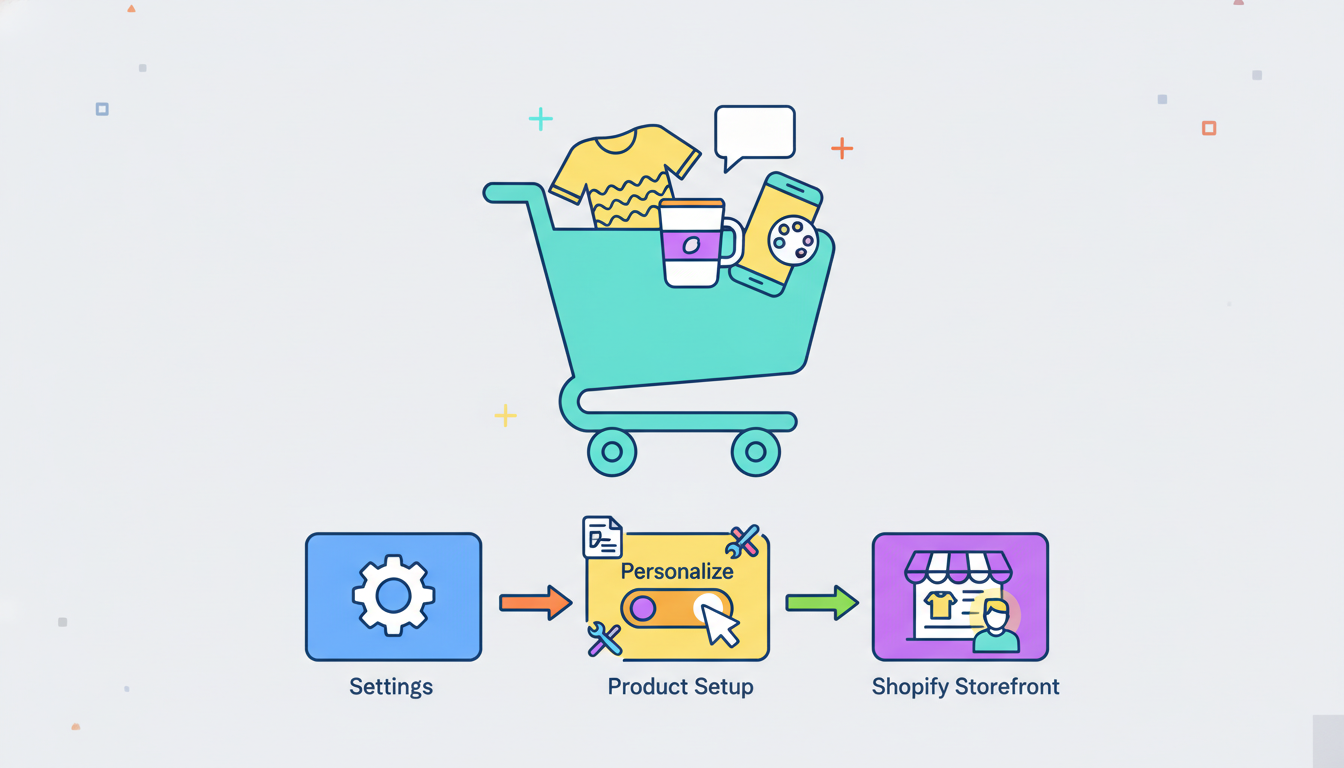
Shopify does not have advanced built-in personalization tools by default, meaning you will need to rely on third-party applications. The Shopify App Store offers numerous options that allow customers to upload files, type text, or choose colors. When selecting an app, look for live preview features so customers can see their designs in real time. This interactive experience simplifies the shopping process and significantly improves your print on demand conversion rate by reducing purchase hesitation.
Connect Your Personalization App to Your Supplier
Once you have installed a customization app, you must connect it with your production partner. It is crucial to learn how to choose a print on demand supplier that supports automated custom orders. If your supplier cannot receive personalized design files automatically, you will have to manually edit and submit each order. This can slow down your fulfillment process as your business grows. Make sure your supplier integrates smoothly with both Shopify and your chosen customization app to ensure automated fulfillment.
Design and Configure Your Customizable Products
After setting up your apps and suppliers, you can start creating customizable listings. There are various ways to create custom print on demand products, such as offering monogrammed initials on leather goods, custom illustrations on mugs, or engraved text on jewelry. Set clear input limits, such as maximum character counts or specific image resolution requirements, to ensure the final printed product looks professional.
Frequently Asked Questions
- Will product personalization slow down my Shopify store?
Most modern Shopify apps are optimized for speed, but installing too many heavy scripts can impact performance. Stick to one reliable app for your customization needs.
- Can I offer custom options without using third-party apps?
You can use basic line item properties using custom code in Shopify, but this requires technical knowledge and does not offer live visual previews for customers.
- How do I handle returns for personalized products?
Since personalized items cannot be resold, most merchants state in their return policy that custom orders are final sale unless there is a manufacturing defect.
Conclusion
Setting up product personalization on Shopify is a straightforward process that yields massive rewards. By choosing the right applications, partnering with reliable fulfillment services, and defining clear design limits, you can build a highly profitable custom brand that resonates with modern shoppers.